Drop a file from your computer to Vibe Board Pro or Vibe Board S1
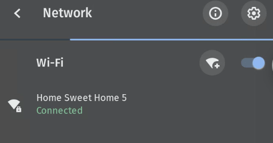
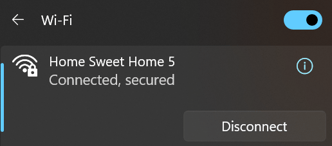
Connect your computer and your board to the same network
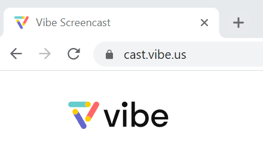
Open your web browser to cast.vibe.us
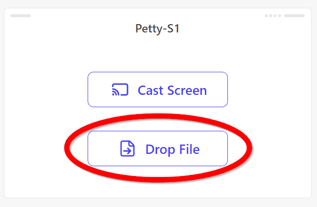
Find the board you want to send a file to and click Drop File
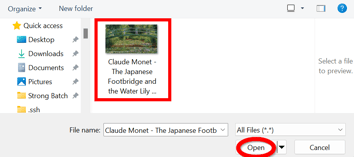
Find your file and click Open
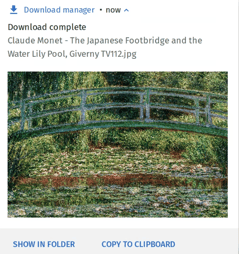
The downloaded file is now on the board
The file can be accessed from the launch bar
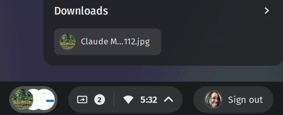
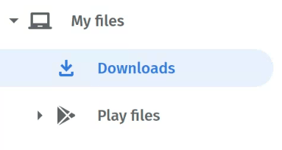
Or from the files app, files will be in the downloads folder