How to sideload an app onto the Vibe Board Pro 75" and Vibe Board S1 55"
Need an app but it is not available in the app store? If the app developer provides an APK file you can install it yourself.
- Download the *.apk file from the developer or from a reputable mirror site
- Format a USB drive to FAT32 and save the *.apk file onto the drive
- From the Vibe Board, click on Settings -> Advanced -> Developer
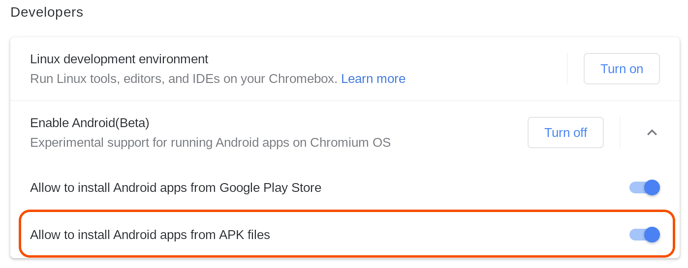
- Turn on Enable Android (Beta) and click the dropdown
- Enable Allow to install Android apps from APK files
- Power cycle the Vibe Board
- Click on the Files App
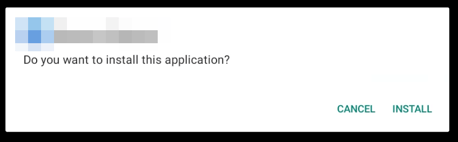
- Select the USB drive and double-click on the *.apk file -> click Install