
- Vibe Knowledge Base
- Vibe Software
- Vibe Cast
How to Use the Vibe Cast App
Vibe Cast is a Windows application for screencasting.
Make sure your VibeOS is 1.2.5 or higher
Note: Please make sure your device is connected to the same Wi-Fi network as the Vibe board. The best practice will be connecting your device to Vibe HotSpot, which will give you a better performance and more stable connection.
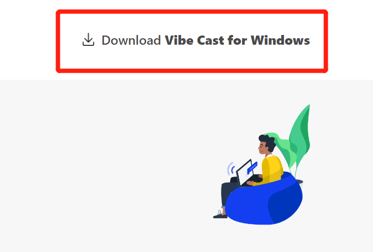
1. Go to cast.vibe.us and download the Vibe Cast installation package, which can be found at the top right of the page. Install the app step by step.
2. After installing the app successfully, open the Vibe Cast App from your PC.
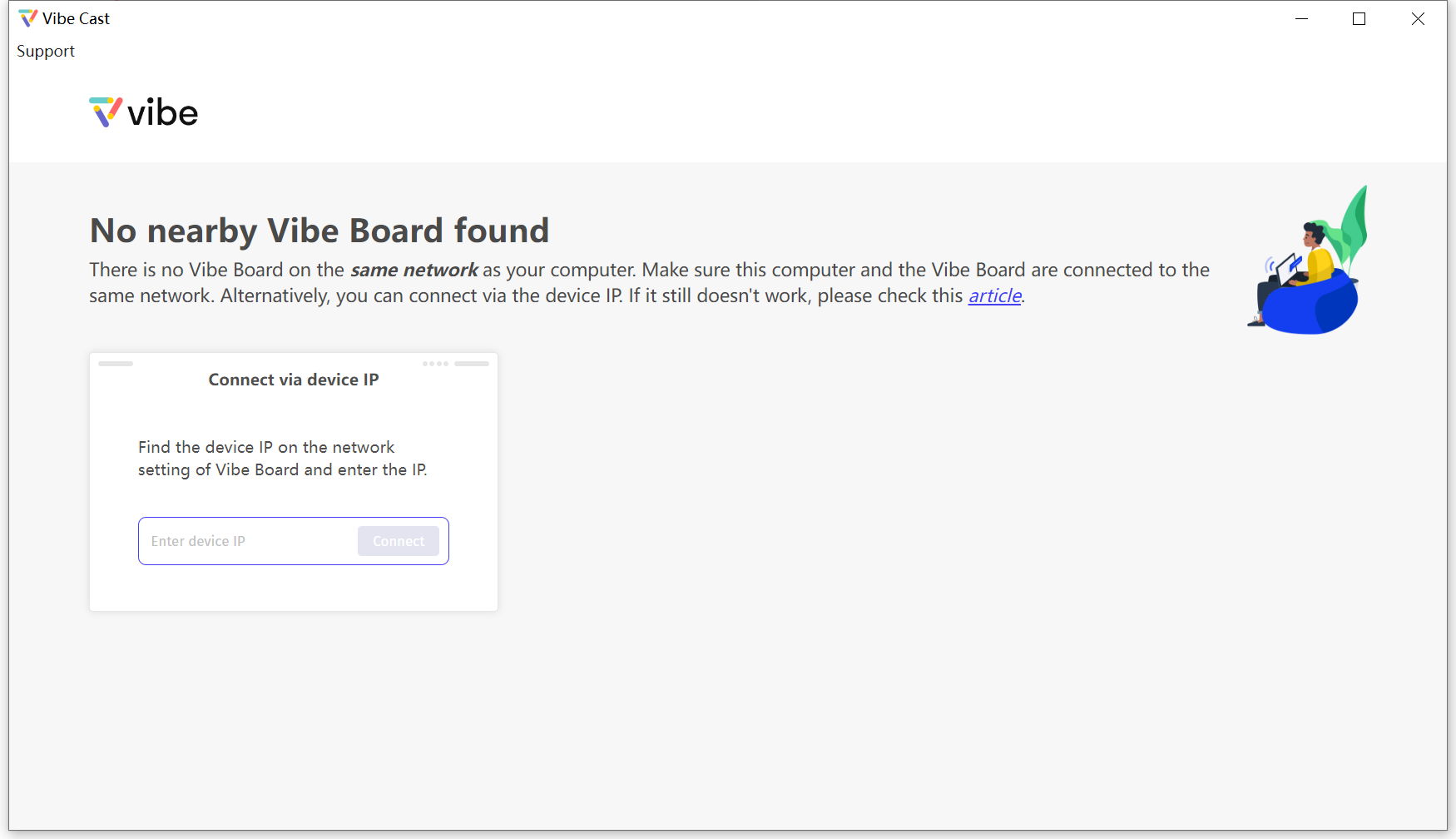
3. Please make sure your Vibe Board and your PC are on the same network. Then, available Vibe Boards will appear in the app. 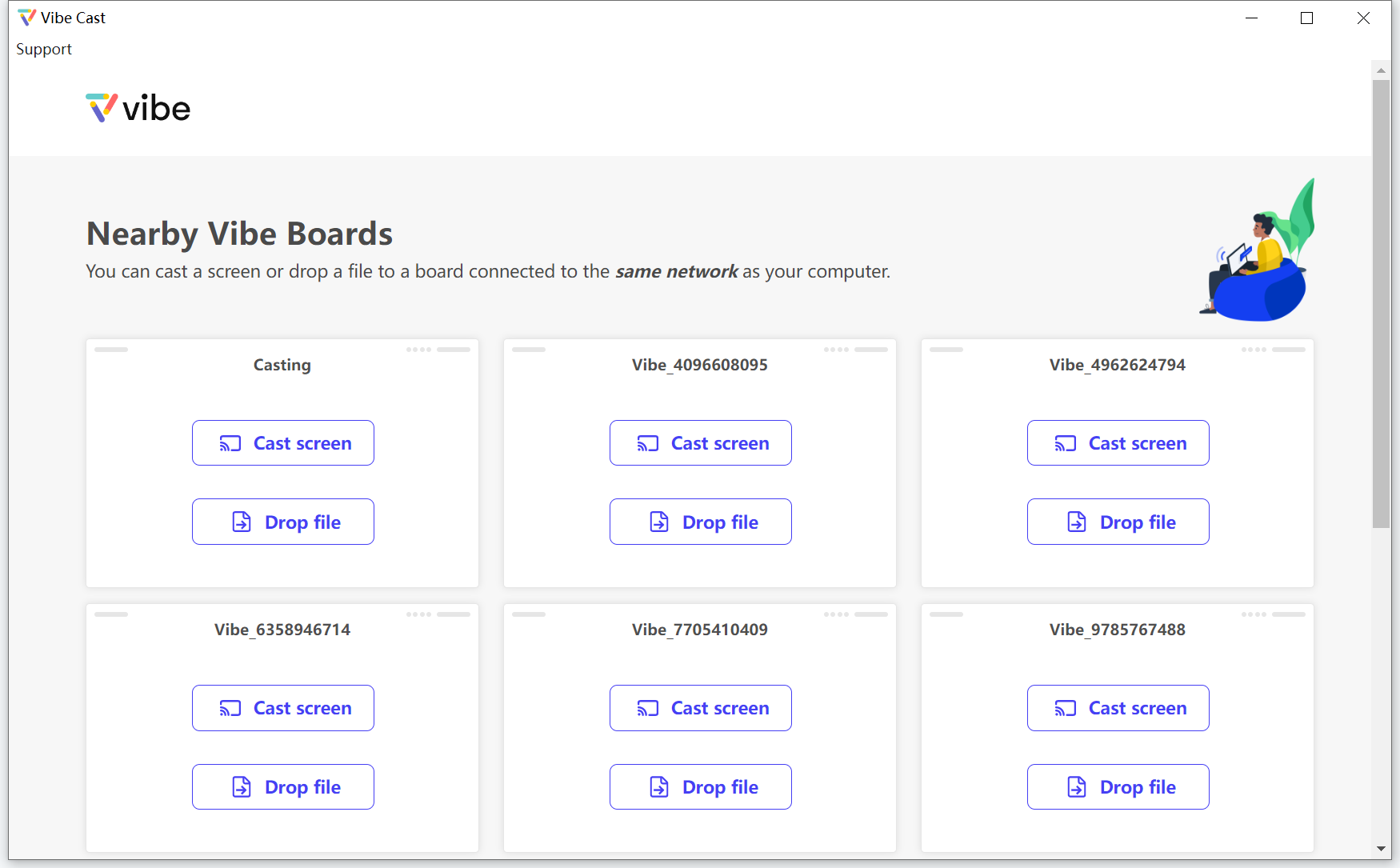
4. You can now "Cast screen" or "Drop file" from your PC to your Vibe Board.