![Vibe_logo_RGB_NoText.png]](https://pages.vibe.us/hs-fs/hubfs/Vibe_logo_RGB_NoText.png?height=40&name=Vibe_logo_RGB_NoText.png)
Here are the step-by-step instructions:
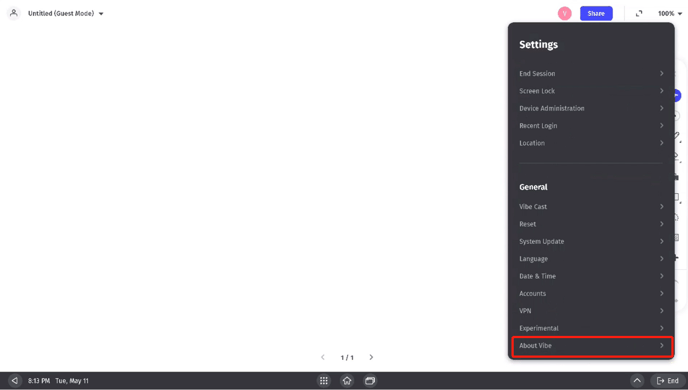
- go to Settings - About Vibe.
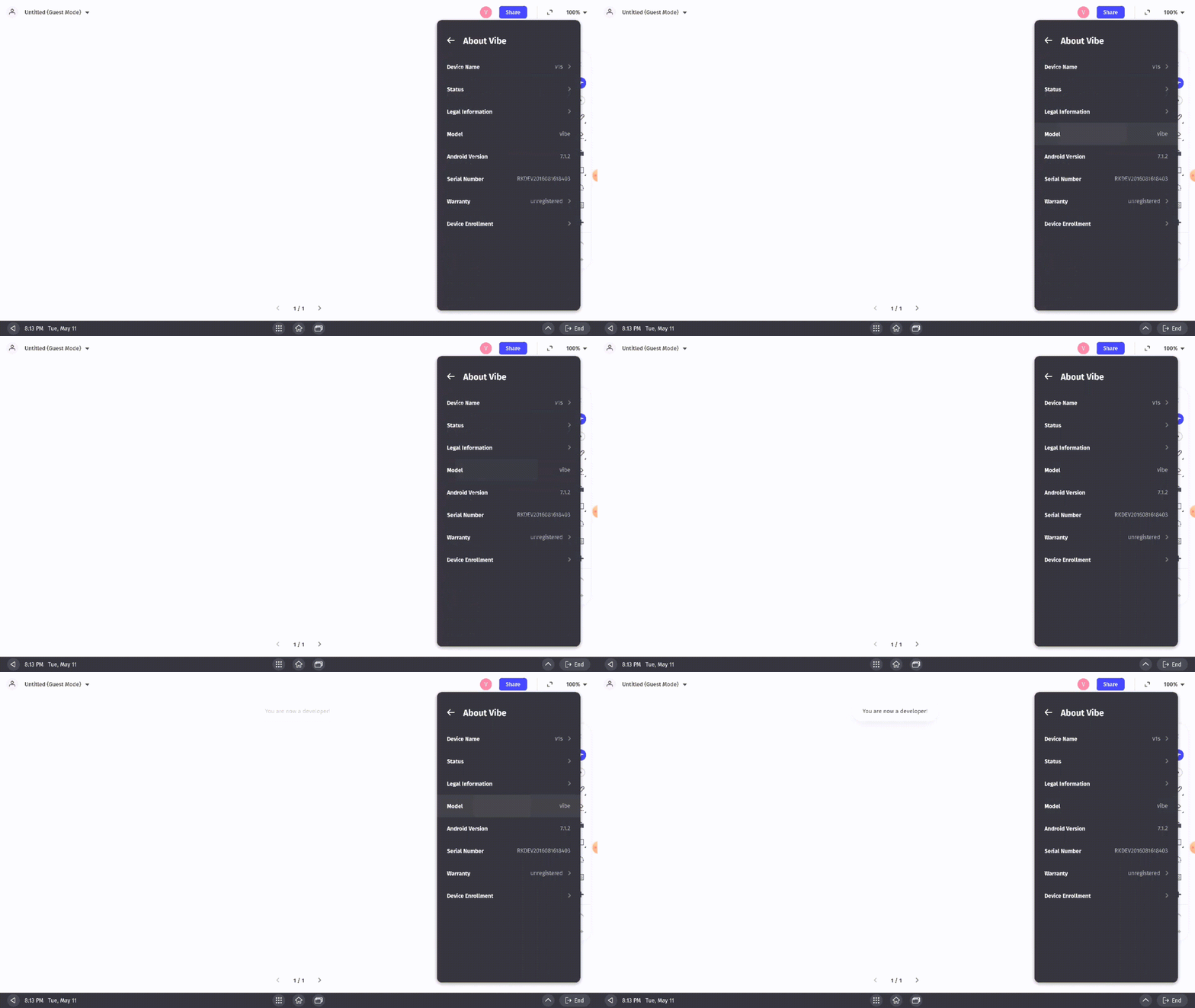
- Select Model continuously and multiple times, you will then see a message pop up 'You are now a developer!'. This indicates that you have successfully enabled Developer Mode.
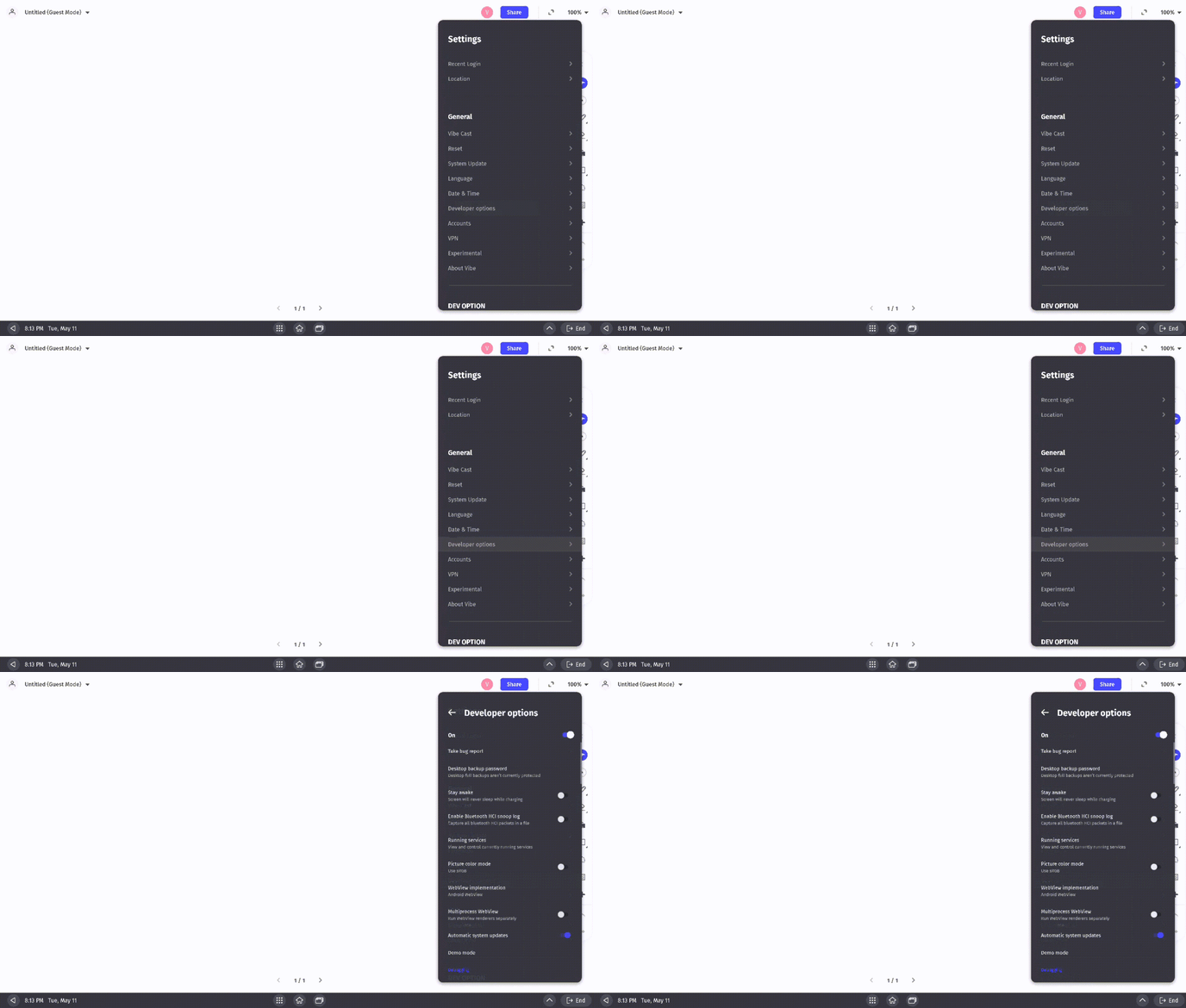
- Now you can adjust Developer Mode settings from Settings - Developer Options.
When Developer Mode is activated, you can try out the following advanced features:
- Dual Wi-Fi for Screencasting
If you're having network difficulty screencasting on the Vibe board, Dual WI-FI provides a simple and more stable solution. Learn more here.