![Vibe_logo_RGB_NoText.png]](https://pages.vibe.us/hs-fs/hubfs/Vibe_logo_RGB_NoText.png?height=40&name=Vibe_logo_RGB_NoText.png)
The avatar icon disappears sometimes so users can’t find a way to manage their account.
Workaround is as below -
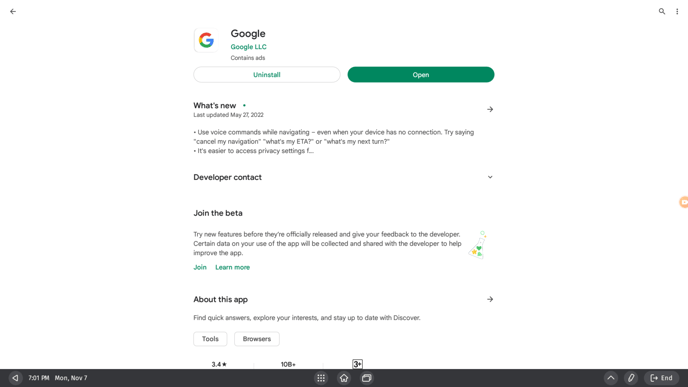
1. Find the Google App from Google Play Store, install and launch it
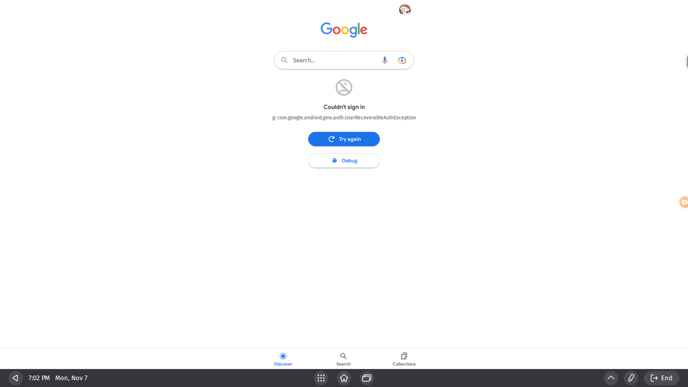
2. There will be an avatar on the right-top corner.
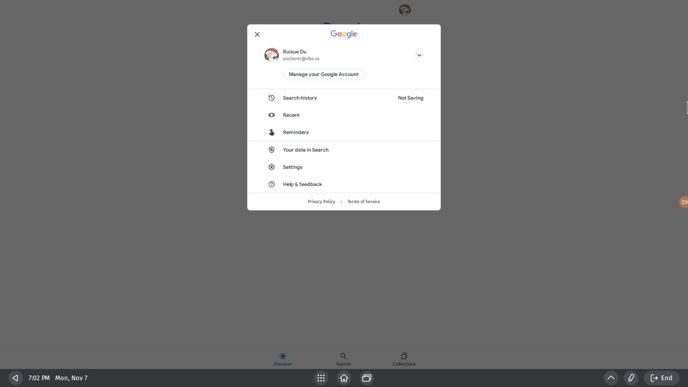
3. Click this avatar to do account management to continue the sign-in process.