![Vibe_logo_RGB_NoText.png]](https://pages.vibe.us/hs-fs/hubfs/Vibe_logo_RGB_NoText.png?height=40&name=Vibe_logo_RGB_NoText.png)
Grab a computer to register/ create your Vibe Canvas account
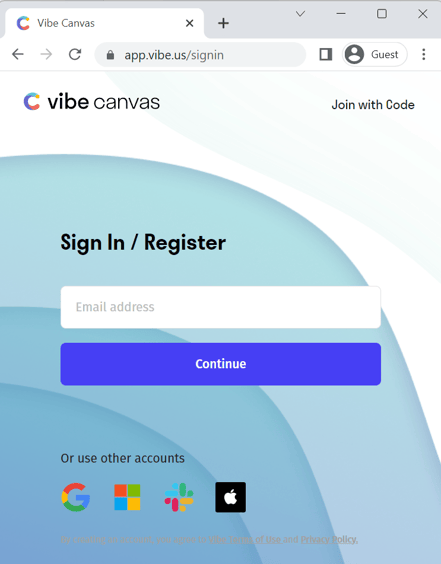
Register for a Vibe account at https://app.vibe.us from a computer (we recommend using the Chrome browse) Enter your email address or choose one of these SSO providers to register.
In the interest of your privacy and security, single sign-on (SSO) login is available with Microsoft, Google, Slack, or Apple accounts.
Sign into your account on your Vibe board
Open Canvas on the Vibe Board and click Sign In. Enter your email address and a verification email will be sent to you. Click that email to verify.
If you have the VibeOne app you can also log in with the QR code. Simply scan the code from the app.Sign into your account on your phone or mobile device
Download the Vibe Canvas app from your app store and sign in with the email address you used to register. iPhone and Android are view only.