![Vibe_logo_RGB_NoText.png]](https://pages.vibe.us/hs-fs/hubfs/Vibe_logo_RGB_NoText.png?height=40&name=Vibe_logo_RGB_NoText.png)
Connection flow:
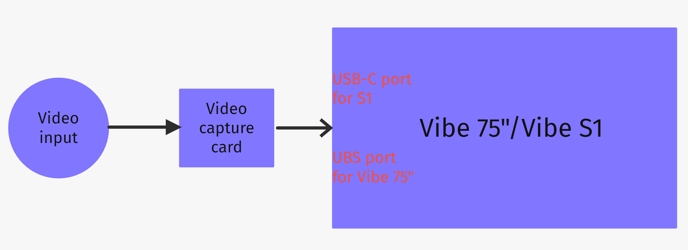
Here's an example for reference:
1. Use laptop as video input
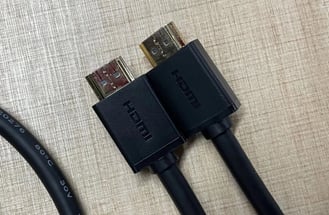
2. Use an "HDMI - HDMI" cable to connect laptop to video capture card
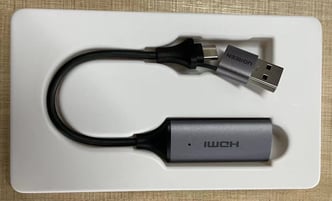
3. Connect video capture card to Vibe 75" USB port
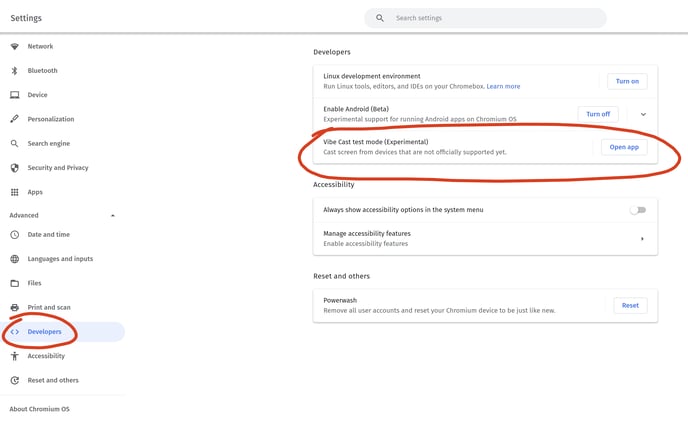
4. Once connected, turn on your Vibe and go to Settings -> Developers -> Vibe Cast test mode -> Open app
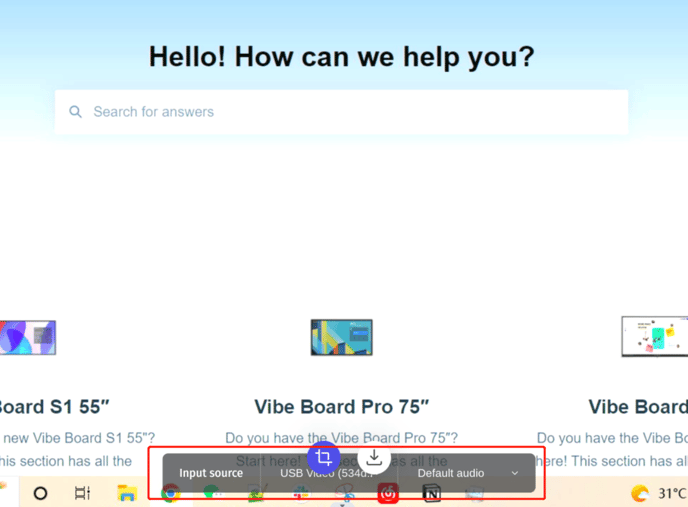
5. The video input will now be on your Vibe. You can also select video and audio configuration details in the casting window.