
- Vibe Knowledge Base
- Vibe Software
- Vibe Admin Console
Kiosk Mode on Vibe Board Pro 75" and S1 55"
Use your Vibe Board as a Kiosk to limit use to certain web applications.
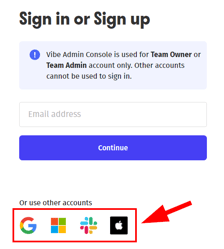
- Log into your Admin panel at admin.vibe.us.
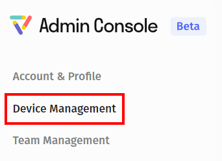
- Click on Device Management
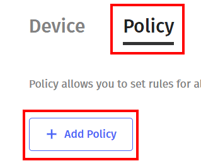
- Click on the Policy tab and click Add Policy
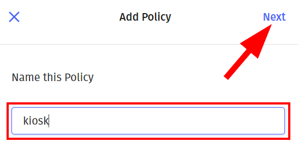
- Name the policy and click Next
- Scroll down to Kiosk Mode and click the + sign

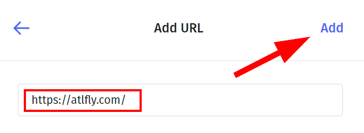
- Enter the URL or web address for the apps you wish to use and click Add.
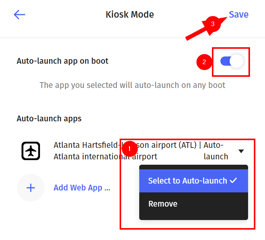
- Select the dropdown next to your app and click Select to Auto-Launch. Toggle the Auto-Launch app on boot option and click Save
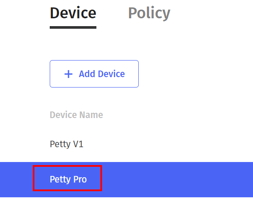
- Select your device from the Device table and click Policy under Advanced Settings.
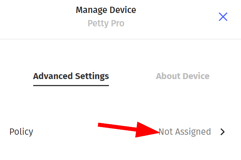
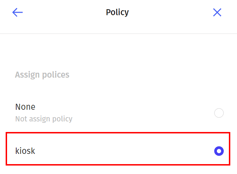
- Choose your newly created kiosk policy
For additional assistance please contact Vibe Support at support@vibe.us