
Use USB storage pictures as a screensaver on Vibe Board Pro 75" and the Vibe Board S1 55"
Easily add pictures to your Vibe Board Pro 75" and the Vibe Board S1 55" Screensaver.
- Plug in your USB thumb drive into one of the USB ports on the Vibe Board.
- Open the Files application from the desktop

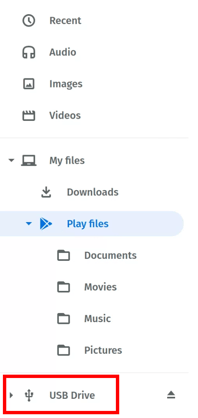
- Click on the USB folder in the list on the left
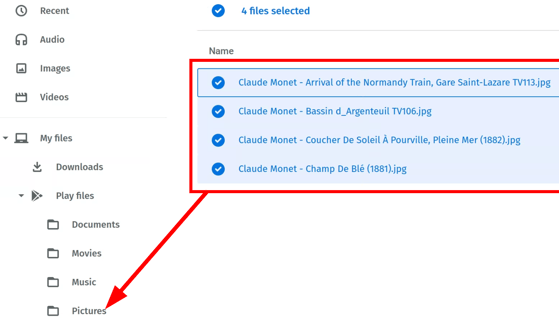
- Highlight all the images and drag them to the Play Files -> Pictures folder
- Click on the up caret on the launch bar and click the Settings Gear icon.

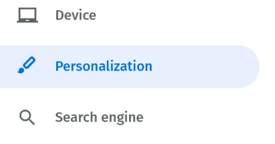
- Click on Personalization
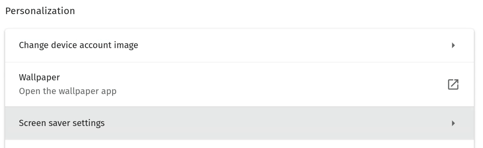
- Click on Screensaver
- Click the Slideshow from photos radio button and click Add images.

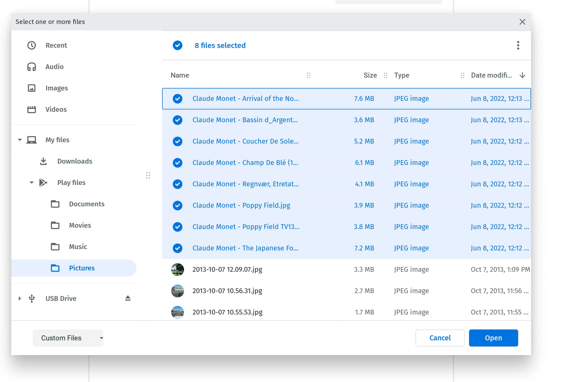
- Select the images you wish to use from the Play Files -> Pictures folder and click Open
- Set the idle time until screen saver is played
Enjoy the show!